There are tons of Docker images out there for Kafka and ZooKeeper. The one I reach for is Bitnami/Kafka — it’s simple and it just works.
Following the official docs, it only takes a few steps. The idea is to create a Docker network that acts as a bridge between the ZooKeeper and Kafka containers.
Step 1 — Create the Docker network
$ docker network create app-tier --driver bridgeThis creates a Docker network named
app-tier.
Step 2 — Launch the ZooKeeper container
$ docker run -d --name zookeeper --network app-tier -p 2181:2181 -e ALLOW_ANONYMOUS_LOGIN=yes bitnami/zookeeperThis starts a container from
bitnami/zookeeperinside theapp-tiernetwork, mapping port 2181 to your localhost 2181.
Step 3 — Launch the Kafka container
$ docker run -d --name kafka --network app-tier --hostname localhost -p 9092:9092 -e ALLOW_PLAINTEXT_LISTENER=yes -e KAFKA_CFG_ZOOKEEPER_CONNECT=zookeeper:2181 bitnami/kafkaThis starts a container from
bitnami/kafkainside theapp-tiernetwork, mapping port 9092 to your localhost 9092 and connecting to the ZooKeeper container on the same network.
You can see both containers running in the Docker Dashboard.
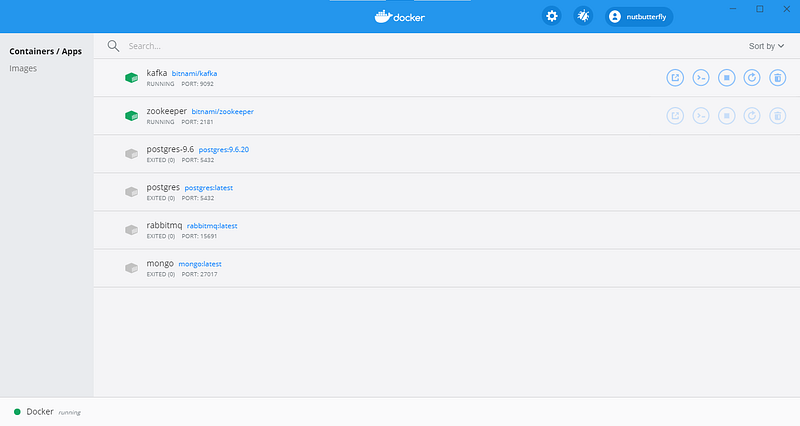
Docker Dashboard
To connect to Kafka, just point your app config at localhost:9092.
That’s it! Happy coding :)