Here’s my situation. I have a CentOS server running an Angular Web App on port 4200, and I want to reach it at http://MY_SERVER instead. So how do I get there? I use Nginx as a proxy. Let me show you the steps.
1. Install Nginx
$ sudo yum install nginx2. Start Nginx
$ sudo systemctl start nginx3. Enable Nginx
$ sudo systemctl enable nginx4. Open the HTTP/HTTPS firewall
$ sudo firewall-cmd --permanent --zone=public --add-service=http
$ sudo firewall-cmd --permanent --zone=public --add-service=https
$ sudo firewall-cmd --reload
5. Test Nginx
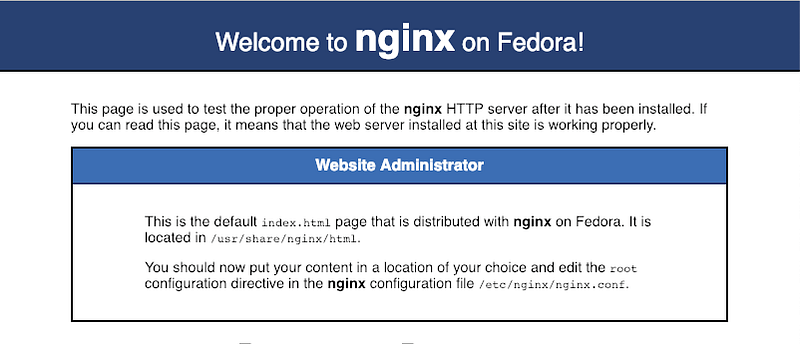
Open http://MY_SERVER in your browser. You should see the Nginx Welcome Page.
6. Add the proxy pass to nginx.conf
Now point Nginx at your app by adding a location block to nginx.conf:
server {
...
  listen       80 default_server;
  ...
  location / {
    proxy_pass http://127.0.0.1:4200;
  }
...
}
7. Restart Nginx
$ systemctl restart nginx8. Test the proxy
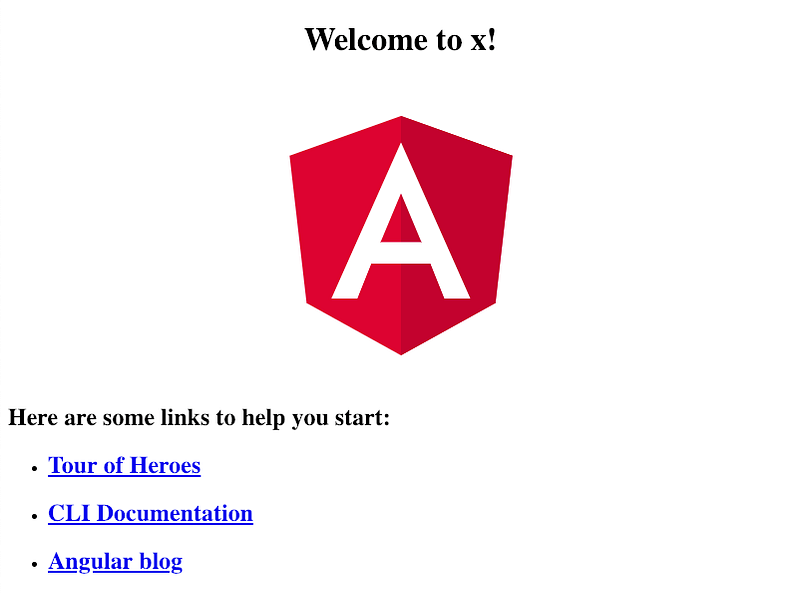
Open http://MY_SERVER again. This time you should see your Angular Web App.
Reference: https://nginx.org/en/docs/